AI Learning Assistant
The co-pilot every trainer has been waiting for
The Learning Assistant sits inside every VR session and desktop course. A trainee asks a question and gets an answer in seconds — from your approved content, never the open internet. When they get a decision wrong, it explains why and lets them try again. And the trainer sees all of it.

Trusted by industry leaders


Where traditional learning formats reach their limits
Even the best experts can't be everywhere at once. One-size-fits-all formats leave gaps that only show up later — when it counts.
Everyone learns at a different speed
Group formats move at one pace: too fast for some, too slow for others.
Repetitive questions eat expert time
A large share of contact time goes to the same recurring questions instead of the content that needs a human.
Theory doesn't transfer to practice
Standard formats leave too little room for individual deepening and real application.
Knowledge gaps stay invisible
Comprehension barriers often go undetected until they surface — in an assessment, or in a real situation.
How it supports training
The co-pilot inside every VR session and desktop course
The Learning Assistant doesn’t replace the trainer. It scales them. A trainee asks a question, gets an answer from your approved content — and the trainer sees every interaction.
Inside every VR session
Voice or text. Trainees ask during the scenario without breaking the flow — and the answer appears without leaving VR.
Answers only from your approved content
Same engine as the Operations Assistant. No public internet. It can’t make things up.
Explains mistakes, offers a retry
After a wrong decision, the assistant explains why, shows the rule, and lets the trainee run it again.
Difficulty adjusts to the trainee
Stronger trainees get harder situations; struggling trainees get more practice. Automatically.
The trainer sees everything
Every question, every answer, every retry — collected for the trainer’s next 1:1.
Voice or text, in the trainee’s language
German, English, more on request. Trainees speak naturally; the assistant follows.
Shadow AI
Your learners are already asking AI. Just not yours
People across your organization already use general AI tools for specialist questions, assignments, and preparation — without approved sources, without subject boundaries, and without your control.


Uncontrolled general AI
- Answers can be inaccurate, abbreviated, or simply wrong
- Sources are not transparent or approved
- Learners absorb content with no quality assurance
- Sensitive information flows into external systems
- Your organization loses control over quality and governance

A controlled Learning Assistant
- Answers come only from your approved content
- Transparent, traceable answers with source citations
- Compliant with applicable data protection laws
- Quality and governance stay with your organization
- A consistent learning experience for everyone
Live incident demo
Inside a VR scenario, mid-decision
The trainee asks a question by voice. The answer appears as an overlay — without breaking the scene. After the decision: retry, or move on.
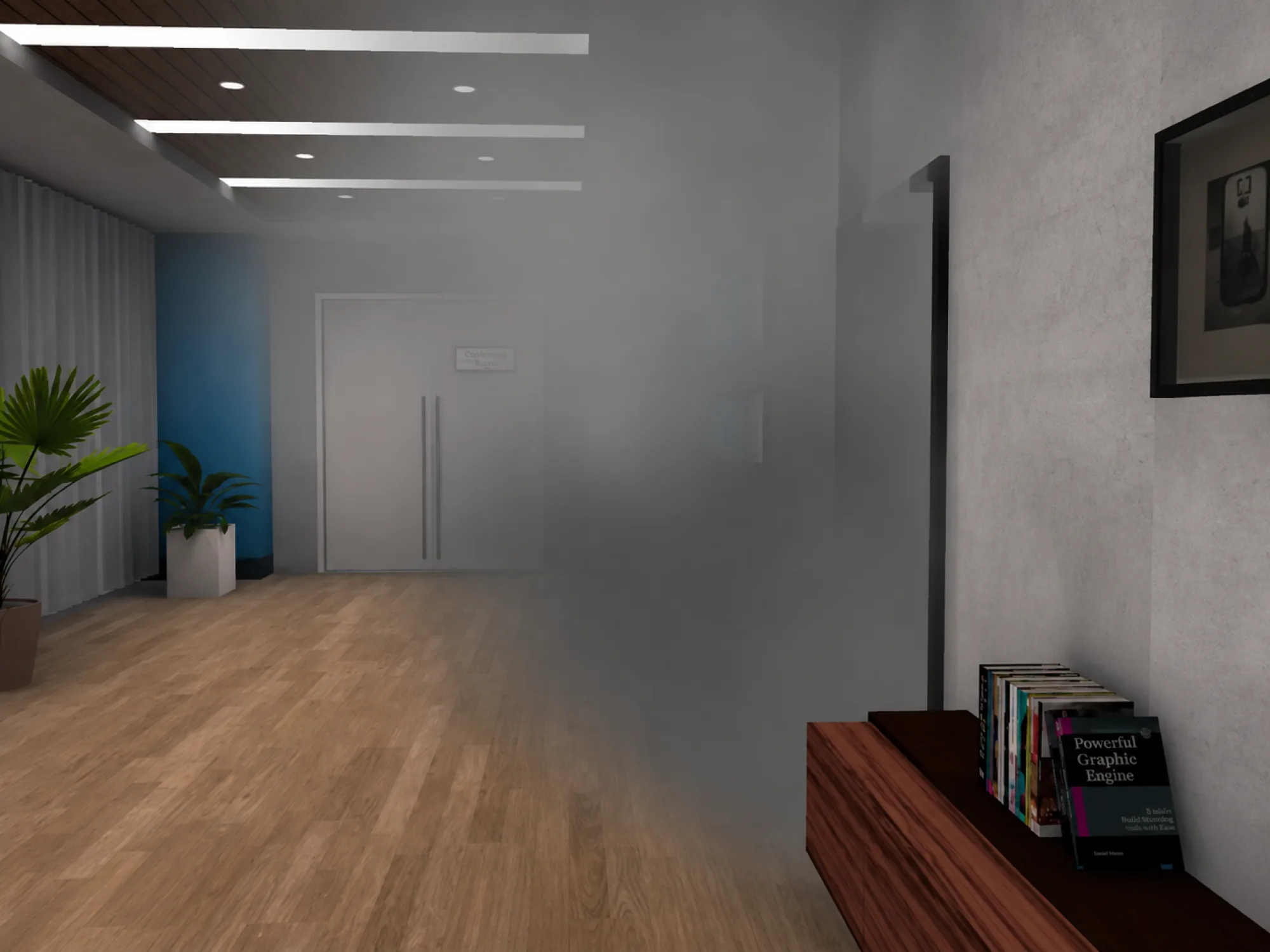
VR scene · Patrol Duty Training · Office building, nighttime
Decision screen
Smoke detected beneath a closed office door. The hallway is otherwise empty.
What do you do first?
- 1
- 2
Trainee (Voice)
Can I check the door first or should I escalate
Assistant
Standard procedure: do not open. Smoke without visible source = fire-class incident. Alert fire brigade first, then warn the floor.
Source: SOP-PD-08 §4.2.
Throughout the scenario
Five moments in one scenario where the assistant steps in
It’s not a chatbot sitting on top of training. It’s woven into the scenario — at the moments where a trainer would normally lean in
Scenario context
A voice intro sets the scene: the building, the trainee’s role, the rules in force, and what success looks like.
Trainee asks a question
A voice question mid-scene. The answer appears as an overlay, with the source — without breaking the scenario.
Explanation + replay
The decision was wrong. The assistant shows the rule, walks through what to look for, and offers a re-run.
Clarification at the boundary
“Does this still apply if the door is glass?” — the assistant answers precisely, citing the regulation.
Session summary
Decisions, sources used, retry attempts — packaged for the trainer’s next 1:1 with the trainee.
8/10
of Germany’s largest security companies work with us
60+
locations train with our technology
2,000+
employees train weekly
60–80%
of routine questions handled by AI
Comparison
One engine. Two very different moments
Under the hood it’s the same trusted core — your approved content, no internet, cited answers, full logging. What changes is the moment: a trainee learning needs explanation and retries; an operator mid-shift needs the right step, fast.
AI Learning Assistant
private, cited, deployable on-prem
- Operates inside VR sessions and Desktop courses
- Explains failed decisions, cites the rule
- Triggers adaptive difficulty on next attempt
- Logs every question for trainer review
- Trainee-facing tone and pacing
AI Operations Assistant
private, cited, deployable on-prem
- Operates on tablets, radios, dispatch screens
- Returns the right step, fast — sub-8-second
- Cites the SOP and the regulation
- Logs to audit trail with operator + role
- Operator-facing tone, terse
Industries
One platform. Any safety-critical industry
The work where decisions under pressure define the outcome. We have built scenarios for twelve industries so far. The platform adapts to any safety-critical operation.

Security Operations
Standardized VR training for operational security teams across all locations.
↓ 35% onboarding timeExplore Industry →

Aviation & Ground Handling
Airport ground crew qualification with immersive scenario-based modules.
↓ 40% error rateExplore Industry →

Aviation Security
Comprehensive security screening and threat response training programs.
3× faster certificationExplore Industry →
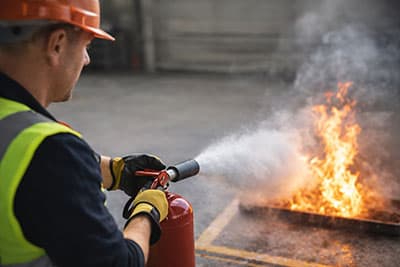
Fire & Safety
Emergency response readiness through realistic VR fire drill simulations.
↓ 50% incident response timeExplore Industry →

Deicing Operations
Aircraft deicing procedure training with real-time assessment and feedback.
↓ 60% retraining costExplore Industry →
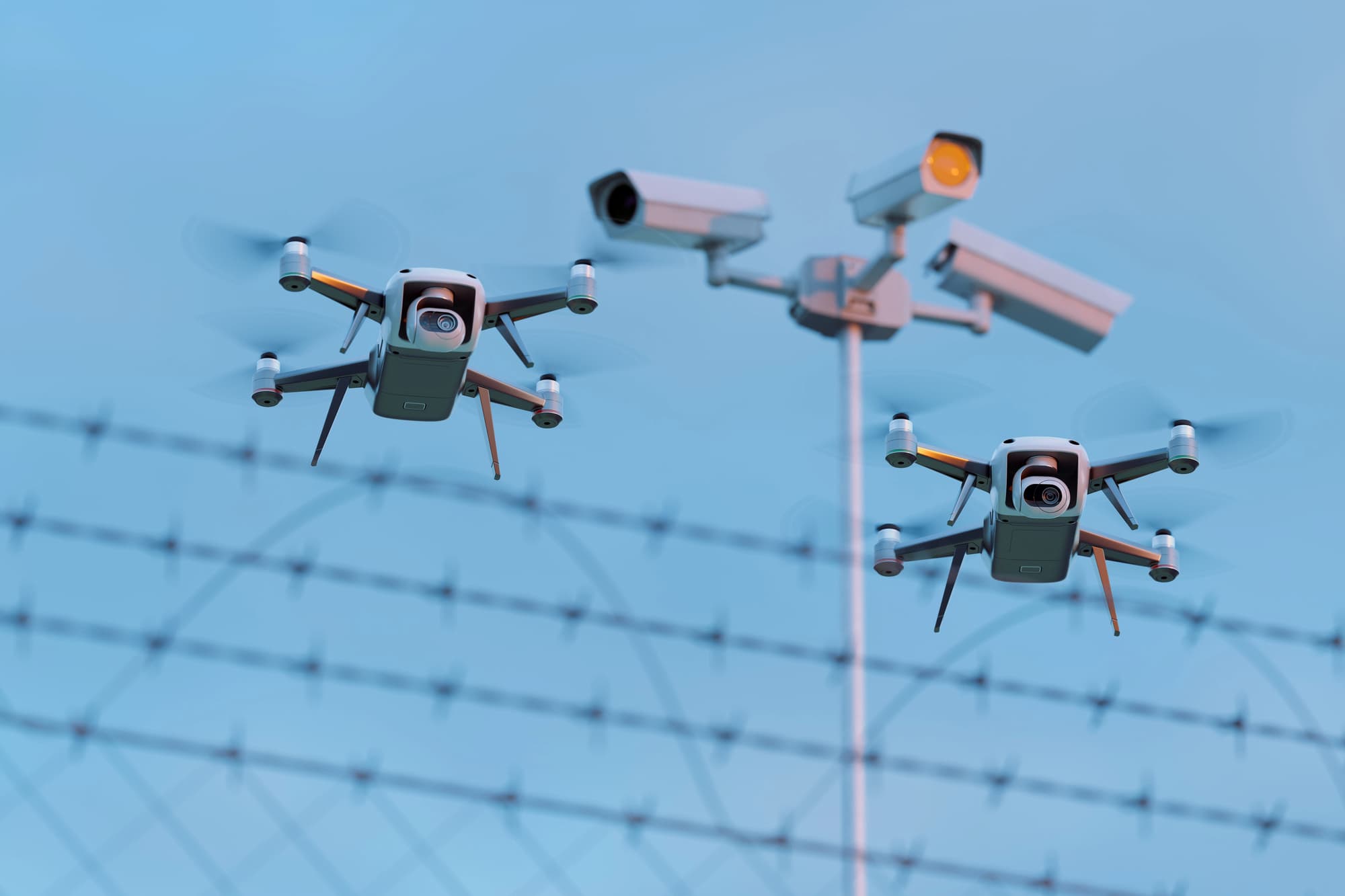
Drone Threat Detection
VR training for drone threat identification, classification, and countermeasure response.
↑ 45% threat detection accuracyExplore Industry →
Built to fit your operations
Speaks the way your trainees speak
 Deutsch
 English
 Français
 Italiano
 Español
 Nederlands
 Polski
 Türkçe
 Čeština
Frequently asked questions
Common Questions About AI Learning Assistant
No. It supports the trainer. It frees the trainer to focus on the high-value parts of the session and lets every trainee get the same baseline support.
Listens for questions, answers from the certified content, logs the interaction. Does not interrupt the scenario.
Yes. Inside desktop courses, classroom sessions, and self-study modules. Anywhere the trainee is learning.
Every question, every hesitation, every “explain that again.” That feeds the LMS and Human Risk Prevention — showing you exactly where your curriculum has gaps.
Any language.